Selecting HR software is a significant decision for any business that expects to grow. A system that functions well for a small team may become difficult to manage as employee numbers increase, new locations are added and administrative responsibilities become more complex.
The right platform is one that supports current needs and provides flexibility, automated processes, security and the ability to connect with other software. Instead of selecting software based only on current features, businesses are encouraged to consider how well each option adapts to changing workforce requirements.
Assess Your Current HR Requirements
Identify the HR processes your business manages now before you compare software providers – these processes include employee records, payroll information, benefits administration, time tracking, recruitment, onboarding, performance management, leave requests and compliance documentation. Understanding which processes require the most time helps you determine which functions are a priority when you evaluate potential systems.
It is also useful to identify manual tasks that result in delays or errors, as these are suitable for automation. Your current requirements are not the only consideration – Think about the changes your business expects over the next multiple years. You may plan to hire employees quickly, open offices in more regions, introduce new benefits or establish detailed performance management processes.
A system is effective if it accommodates these developments without requiring you to replace the entire platform – this approach prevents businesses from investing in the best HR software that becomes restrictive after a short period.
Consider Employee Growth
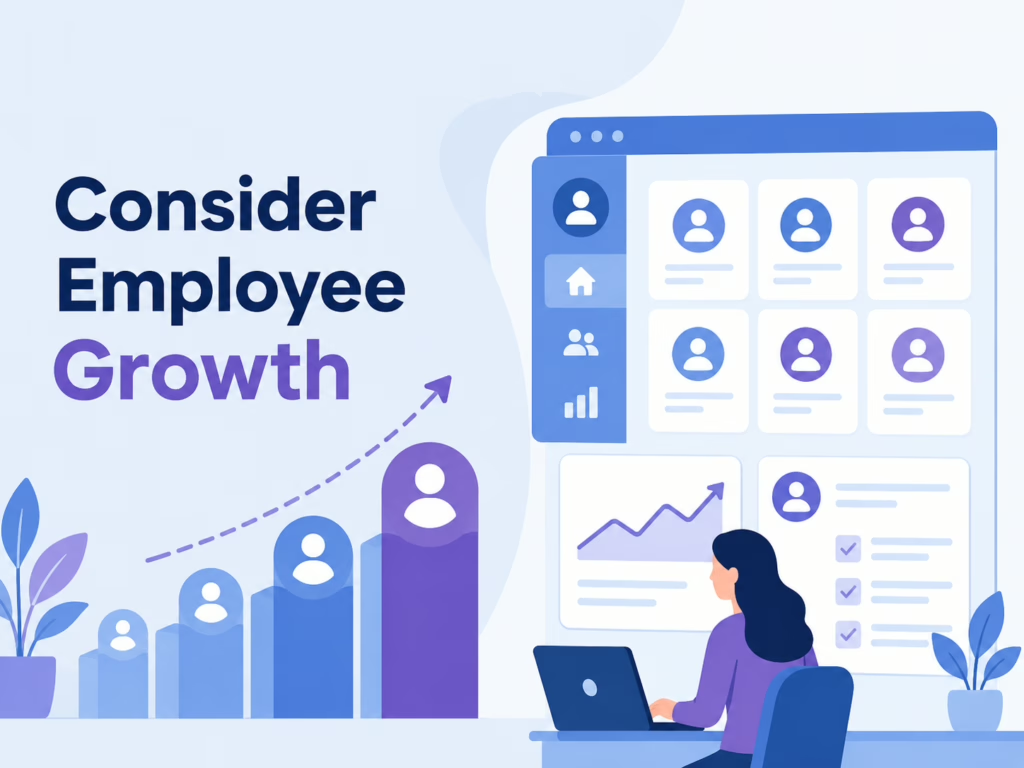
The number of employees in a business affects the amount of HR administration required. A company with twenty employees may manage tasks through spreadsheets and manual processes, while a company with multiple hundred employees requires automation and centralized records. When you select HR software, review the provider’s ability to support increasing employee numbers.
Determine if the platform maintains reliable performance as the workforce expands. Scalability is also important for how employees interact with the system. As the workforce grows, more users require access to self service features, scheduling tools, payroll information, benefits details and internal documents.
The software is useful if it makes adding users and establishing permissions easy without creating extra administrative work. A scalable platform supports expansion while keeping the experience for employees simple.
Review Automation Capabilities
Automation is increasingly valuable as a business grows – HR teams often spend time on repetitive activities like updating employee records, sending reminders, processing approvals, organizing documents and managing routine onboarding tasks.
HR software with effective automation features reduces manual work – this allows HR professionals to focus on responsibilities that require human judgment and direct support for employees. Businesses are encouraged to look beyond the number of automation features a provider advertises. Consider if those features are customizable to match your internal workflows.
A growing organization may develop different approval processes, onboarding requirements or reporting structures over time. Software is more useful if it allows you to adjust workflows without extensive technical work.
Evaluate Integration Options

HR systems rarely operate alone – Businesses may use accounting platforms, payroll services, scheduling applications, benefits systems, recruitment tools, communication platforms and identity management solutions. Strong integration capabilities help the systems exchange information – this reduces the need for employees to enter the same data in multiple places.
Consider both current and future requirements when you evaluate integrations. A platform may connect with your existing applications today but offer limited options if your technology environment changes later. Look for systems that provide reliable integration methods and established connections with common business applications. Integration flexibility is especially important as organizations expand their technology infrastructure.
Examine Reporting And Analytics
Growing businesses require accurate information to make workforce decisions. HR reporting helps organizations understand employee turnover, hiring activity, attendance, compensation trends and workforce demographics. A scalable system makes it easier to collect and analyze this information – this prevents HR staff from having to manually combine data from multiple spreadsheets.
Reporting capabilities are also better if they accommodate increasing complexity. As a business grows, managers may require reports for different departments, locations, employee groups or business units. Look for customizable reports and dashboards that provide useful information to different users while maintaining access controls.
The ability to create reports without relying on technical staff improves the long term value of the platform.
Prioritize Data Security
HR systems contain sensitive information, including employee contact details, compensation data, tax information, identification records and performance documentation. Security is therefore a central consideration when you select software. Businesses are encouraged to understand how providers protect stored information, manage access, monitor activity and respond to security incidents.
Growing companies also require security controls that match organizational complexity. More employees, managers, departments and locations create additional access requirements. The system is more secure if it allows administrators to establish permissions based on roles and responsibilities.
Features like authentication controls, audit records, encryption and secure data management help lower the exposure of sensitive employee information.
Check Compliance Support
HR responsibilities become more complicated as organizations expand into new jurisdictions. Different regions have their own requirements for payroll, employee records, leave, taxation, privacy and employment standards.
A scalable HR platform provides tools that help businesses manage these requirements – this is more efficient than forcing HR teams to maintain every process manually. Businesses operating in Canada are encouraged to pay attention to how software supports Canadian requirements. Canadian HR software often provides functionality designed for local payroll practices and employee records.
Companies that expect to expand should also determine if the provider supports the jurisdictions they may enter in the future – this reduces the disruption associated with expansion.
Review User Experience
Software is less effective if employees find it difficult to use. HR teams should evaluate how easily administrators perform common tasks and if the interface for employees is simple. Clear navigation and simple workflows encourage employees to use self service features – this reduces the number of routine questions directed to HR staff. User experience remains practical only if the system stays easy to use as the organization becomes larger.
Managers require access to approval workflows, employee information, reports and performance tools. Employees primarily require payroll documents, time tracking, leave requests and personal information updates. A scalable platform accommodates these different needs without making the system complicated for any user group.
Compare Implementation Requirements
The implementation process influences if a new system delivers value quickly or creates disruption. Ask what information needs to be transferred and how the provider configures existing processes before you choose a provider. Businesses should also understand the provider’s training and support because software performs poorly if it is not configured correctly.
Data migration is a specific area that requires attention – Employee records may exist in spreadsheets, old systems, payroll applications and paper documents. Moving this information into a new platform requires planning and validation. A provider that offers structured migration support makes the transition easier. Businesses should also determine if they can make future configuration changes without paying for expensive external assistance.
Planning for Future Customization
Business expansion often leads to specialized human resources procedures, which makes the adaptability of software a critical factor. Management might require unique workflows for specific departments, geographic locations, employment categories or leadership tiers.
Scalable platforms enable administrators to modify forms, approval sequences, notifications and access rights without restructuring the core system – this adaptability ensures the software remains functional as the corporate hierarchy changes.
Internal modifications are beneficial because they decrease the necessity of purchasing new software when requirements change. Administrators should identify which functions are adjustable by staff and which tasks require assistance from the software provider.
It is also important to determine if these changes are part of the standard service agreement or if they incur extra costs. Selecting a system with functional adjustment options provides human resources staff with greater authority and simplifies system updates when corporate goals shift.
Assess Technical Assistance & Provider Stability
Technical assistance becomes more significant as a company expands. Employees in Human Resources often require help with software settings, information transfer or system updates when a platform is essential for daily tasks.
You should examine the communication methods a provider offers, like telephone, email, messaging or assigned managers, before you select a service. Knowledge of available hours and typical wait times allows your staff to prepare for technical difficulties.
Provider stability affects your organization over many years. Because a growing company often uses the same software for a long period, a provider that remains financially sound and focused on improvement is necessary.
You should investigate how often the developer releases updates and if they fund data protection, software connections and new tools. Selecting a consistent provider minimizes the chance that your company must transition to a new system because of outdated technology.
Understand Pricing And Contract Terms
Evaluate cost in relation to long term value rather than focusing only on the initial subscription price. Some providers charge based on employee numbers, while others use different pricing structures for modules, payroll services or reporting.
A system that is affordable for a small workforce may become more expensive as employee numbers increase. Ask providers how pricing changes when the business adds employees, locations or additional functionality.
It is also important to understand implementation fees, training costs, support charges and contract periods. Comparing the factors provides a clearer picture of the total cost of ownership and helps businesses avoid unexpected expenses as they scale.


Snehil Prakash is a growth leader in saas and it industry. He has lead multi million dollar businesses in this space and currently the CEO of Techlithic solutions LLC that owns brands like howtobuysaas, sendwo and work as venture partner for businesses to raise captial or going to the IPO way. Reachout to him to learn more.