

 Arkraj Kundu
SendBM Review: What is SendBM?
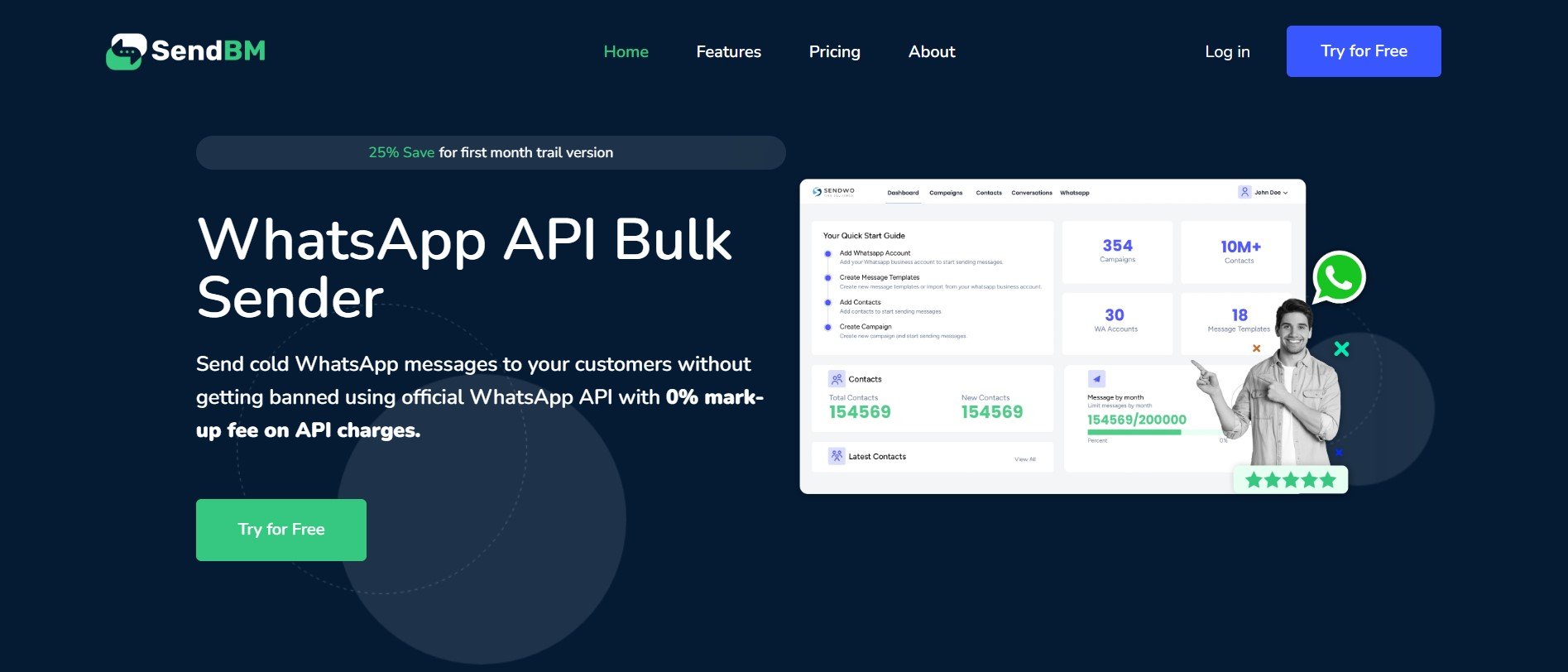
SendBM Review: Designed for businesses and individuals seeking an efficient method to reach out to their customers without the risk of being banned, SendBM leverages the official WhatsApp API as a bulk marketing software. With this innovative tool, users can utilize WhatsApp Cloud API’s with assurance of 100% delivery rates.
Over 6200 people worldwide utilize SendBM, harnessing its array of features: Bulk messaging via the official WhatsApp API; management of approved templates—automating transactional messages—and effective contact control. In doing so, businesses have reaped cost savings on their WhatsApp marketing strategies.
What are the features of SendBM?
Here are the features you get with SendBM:
- Bulk WhatsApp Messaging with API: In your SendBM inbox, you can send and receive business-initiated messages as well as customer-initiated ones. Every message you send to your customers incurs no mark-up fee.
- Template Management Dashboard: Inside the SendBM dashboard, you can create and manage your WhatsApp messaging templates. You have the ability to submit new templates for approval. Once approved, utilize them directly in your campaigns.
- Team Invite: Invite your employees or team members to manage all your WhatsApp dashboards, campaigns, contact list, conversation inbox and billing. Assign roles to your marketing team for management.
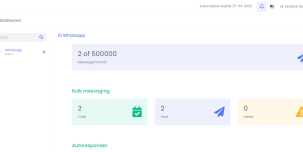
- Reports & Analytics: Obtain comprehensive reports on the count of messages sent, delivered and viewed. Administer subscriptions for your contact list. Monitor campaign performance rigorously to enhances results continually. Download reports in excel.
- Contact Management: Compose your customer list and segment it within SendBM. Then, execute dedicated campaigns for each segmented group of clients in your contact list. Administer subscriptions to WhatsApp messages.
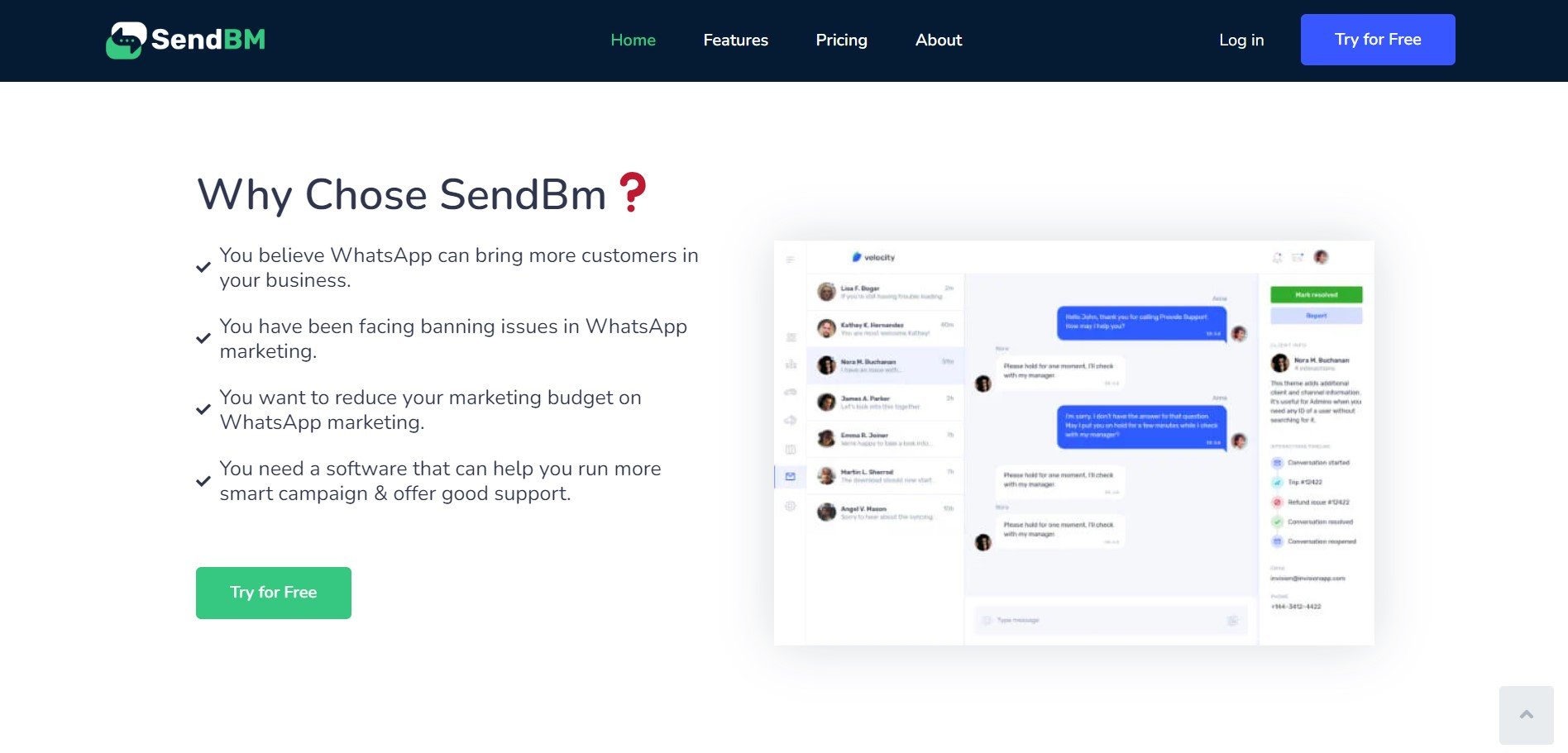
- WhatsApp Inbox: Access your WhatsApp API inbox within the SendBM dashboard. Engage in conversations with your customers, sharing text and other attachments. Allocate team members for managing these inbox dialogues.
What’s the pricing of SendBM?
SendBM provides a pricing structure that is both transparent and straightforward. There are no additional markup fees on WhatsApp API charges, and you will also receive a 10% discount on all annual plans. Here are the pricing options:
- Starter Plan ($30 Per quarter)
5000 Subscribers
20000/month Messaging Limit
1 WhatsApp accounts
1 Team member
Dedicated Consultation
24/7 Email, Call Support
- Professional Plan ($50 Per quarter)
20000 Subscribers
200K/month Messaging Limit
1 WhatsApp accounts
2 Team member
Dedicated Consultation
24/7 Email, Call Support
- Enterprise Plan ($80 Per quarter)
50000 Subscribers
500K/month Messaging Limit
5 WhatsApp accounts
5 Team member
Dedicated Consultation
24/7 Email, Call Support
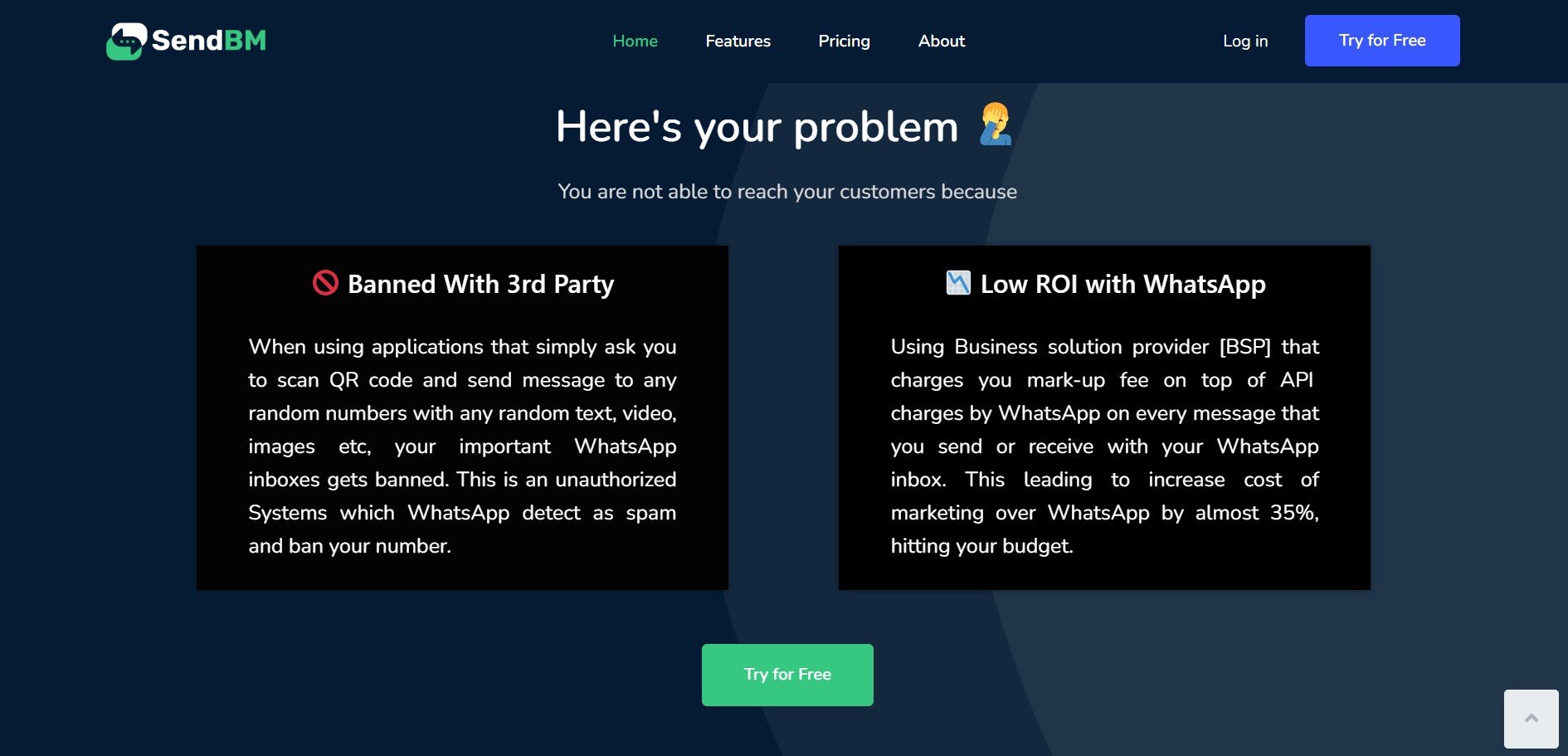
WhatsApp Cloud API Charges: WhatsApp charges a small per-conversation fee to send & receive messages using their official Cloud APIs. Billing related to this is settled directly with WhatsApp on their portal so you save upto 20% on markup that Business Solution Providers charge when you use their tools.
Photos: SendBM
User Reviews
Only logged in customers who have purchased this product may leave a review.



There are no reviews yet.