

 Arkraj Kundu
PimEyes Review: What is PimEyes?
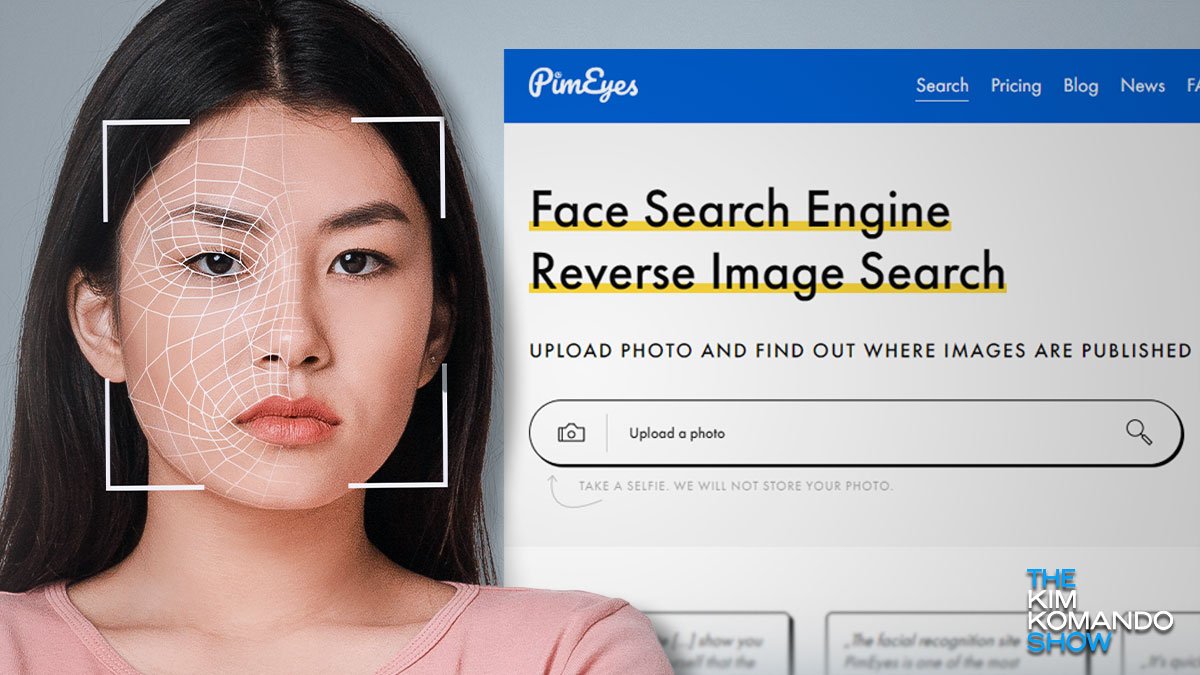
PimEyes is a facial recognition search engine for finding images of your face on the public web. It compares an uploaded photo with its image index and can provide links to matching images and their source websites. Its coverage is not the entire internet: PimEyes says it excludes social media and professional networks. A similar-looking result does not establish someone’s identity.
Updated September 30, 2026. This update is based on current vendor documentation and its public pricing display, not a new hands-on accuracy test. The numerical scores elsewhere on this listing are legacy editorial ratings and have not been revalidated in this update. See our editorial policy and review methodology for our publishing standards.
Here’s how it works:
- Upload a clear photo of yourself to check your online image presence. For authorized work involving someone else, confirm permission and the applicable usage rules. PimEyes prohibits invasive uses such as stalking or unauthorized tracking.
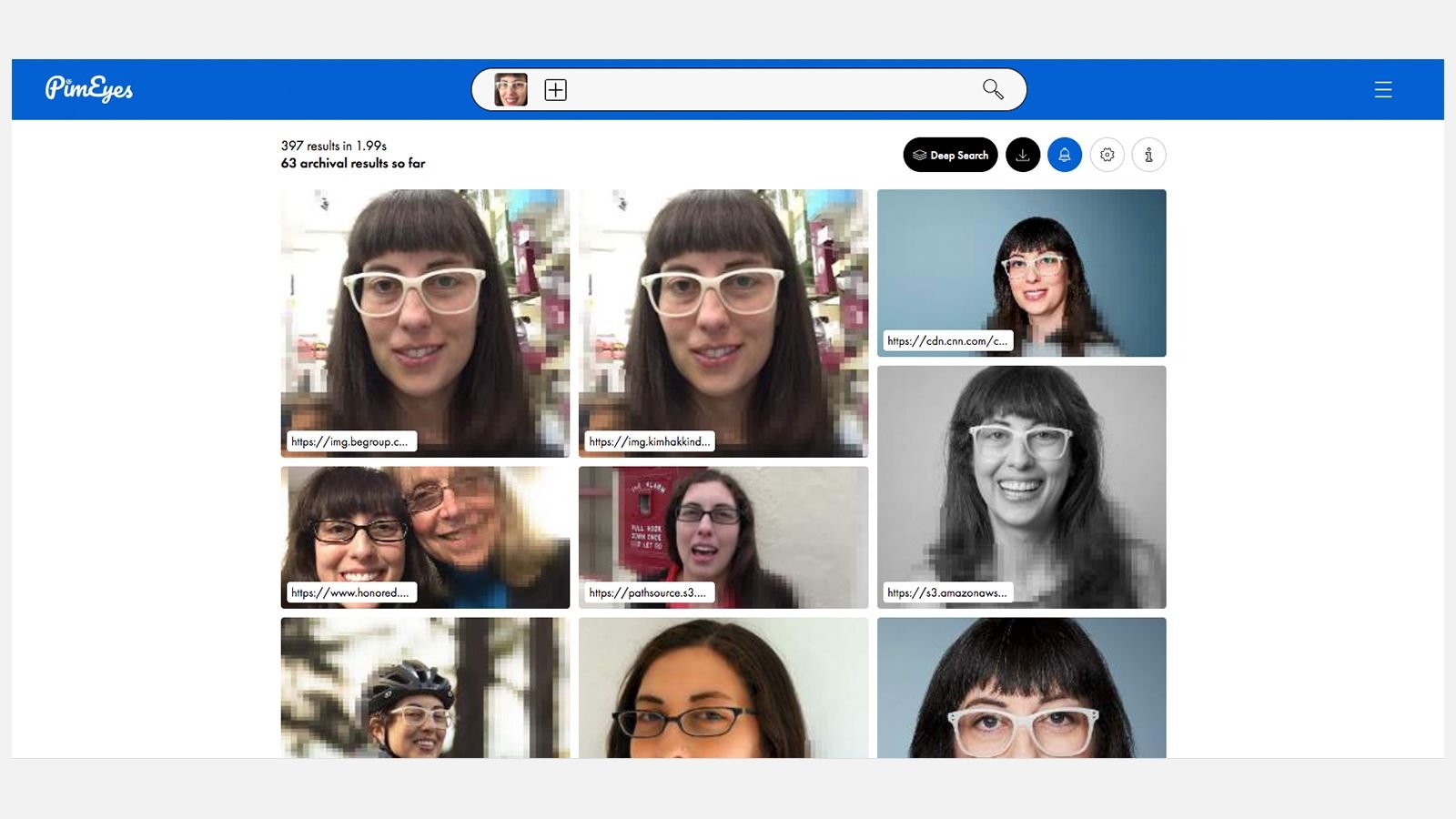
- PimEyes compares facial features with images in its public-web index. It can return different photographs of a similar face, rather than only duplicate copies of your upload.
- Review the possible matches carefully. Free searches offer limited previews; access to source links requires a paid plan or a one-time unlock for a particular search. Neither a match nor a missing result is conclusive proof about your online presence.
PimEyes offers you several uses, including:
- Monitor your online presence: Check where images of your face appear on indexed public websites, including uses you may not have authorized. This does not cover every website or social profile.
- Investigate identity theft: Use possible matches as leads when checking suspected misuse of your own image. Review the source page and context before drawing a conclusion; a face-search result does not prove identity theft or establish who first published a photo.
- Find lost photos: Look for publicly indexed copies of photographs featuring you. PimEyes cannot recover a deleted file from your device or guarantee that a particular photo will be found.
What are the features of PimEyes?
Here’s a detailed breakdown of PimEyes’ key features:
Facial Recognition Search:
- Advanced Technology: PimEyes is one of the AI tools designed to compare facial features with indexed images. Results depend on the available index and the quality, lighting, and angle of the uploaded photograph. We have not independently measured its accuracy.
- Photo quality: Use a clear, well-lit photo with a visible face. Poor resolution, obstructed features, or a difficult angle can reduce the usefulness of the results; adding photos is not a guarantee of a correct match.
- Detailed Results: Paid access can reveal both the webpage address and the direct image URL. Check both when investigating an image, because the photo may no longer be visible on the original page.
- Filtering: The official usage guide describes date sorting, Safe Search, and grouping duplicate images. A displayed date records when the crawler encountered an image, not its original publication date. Do not treat PimEyes as a video-search tool.
Monitoring and Protection:
- PimEyes Alerts: Receive notifications when new matching images enter the index. This is not immediate monitoring of every website. The current FAQ says Alerts work only while your face is not opted out.
- Takedown Requests: PimEyes offers tools for requesting removal from external websites, including assistance with DMCA and GDPR notices. Human Takedown Agent Support is shown as an optional PROtect add-on. A request does not guarantee deletion; the external website controls its content.
- Opt-Out and Removal: Free opt-out and individual-result exclusion affect PimEyes search results, not the original websites. Opt-out requires verification, and the vendor notes that additional requests may be necessary for different indexed versions. You do not need a paid subscription merely to request exclusion from PimEyes.
What is the pricing of PimEyes?
PimEyes offers three subscriptions. The regular monthly prices below are the EUR amounts displayed on its official pricing page on September 30, 2026, before the advertised promotional discount. They are not USD conversions. Check the currency, billing term, taxes, and optional services shown for your location before paying. Annual billing is also offered; no unverified annual total is quoted here.
- Open Plus – EUR 32.99/month
- One-month access
- Up to 75 searches daily
- Access to sources of results (websites and images)
- Up to 10 PimEyes Alerts
- Dedicated support
- PROtect – EUR 38.99/month
- One-month access
- Up to 125 searches daily as advertised on the current pricing page; see the terms discrepancy below
- Access to sources of results (websites and images)
- Up to 20 PimEyes Alerts
- Dedicated support
PROtect features: AI-generated reports and result management. Takedown Agent Support is optional and was displayed at an additional EUR 13.99/month before promotion. Confirm the included removal allowance and any add-on charges before subscribing.
- Advanced – EUR 328.99/month
- One-month access
- Unlimited daily searches, subject to the terms’ fair-use restrictions
- Access to sources of results (websites and images)
- Up to 500 PimEyes’ Alerts
- Dedicated support
Advanced features: Deep Search, AI-generated reports, and result management. The usage guide also documents PDF and CSV exports. Deep Search checks the index more thoroughly but is not guaranteed to find additional matches.
Check before subscribing: The current pricing page advertises 125 daily PROtect searches, while the terms updated July 31, 2026 specify 100. The pricing table also shows 10 free searches per day, while those terms describe three free uses without an account. Confirm your entitlement with PimEyes rather than relying on either disputed quota. The vendor’s FAQ confirms a one-time payment can unlock one specific search without recurring billing; its current price was not verified. Cancelling a subscription stops renewal, with access continuing through the paid period.
Our view: Who should choose PimEyes?
Our verdict: a useful specialist option for monitoring your own public-web images, with important coverage and verification limits. Its practical value is the combination of face-based discovery, source links, and ongoing alerts. Finding a page you can inspect is more actionable than merely seeing a similar thumbnail. However, we would judge the tool by whether it produces relevant, verifiable results for your actual image-monitoring need, not by an unsupported accuracy percentage or an assumption that it searches everything.
If you are starting from scratch, check the free preview before committing to recurring billing. A one-time unlock may fit a single incident; Open Plus is more relevant when you need repeat checks and alerts. PROtect becomes worth considering when organizing results and requesting removals are part of your workflow. Compare its base price with the optional human assistance cost. Advanced is harder to justify for an occasional personal check: its higher volume, larger alert allowance, and Deep Search need to solve a recurring problem to warrant the price difference.
If you already use a general reverse-image search service, consider PimEyes when you need to look for other photographs of your face rather than only copies of a known image. Our Duplichecker review covers a broader toolkit that includes reverse image search. For related reading on another face-search product, see our FaceCheck ID review. We would not assume that switching will replace your existing tool’s coverage. In particular, PimEyes’ stated exclusion of social networks makes it unsuitable as a complete social-profile monitoring solution. Compare results on your own authorized images before cancelling another service, and check every possible match against the source context.
For image removal, separate discovery, exclusion from a search index, and deletion by the original publisher. These are different outcomes. Paying for search or takedown assistance does not ensure the last one. Also review the data requested for searches, opt-out verification, and removal notices before submitting it. Our recommendation is conditional on that trade-off being acceptable to you; this researched update does not establish a new numerical performance rating.
Further sources: PimEyes usage guide, free result-removal guide, and privacy and permitted-use guidance. Older help articles contain some superseded allowances, so the dated pricing notes above explain which current figures are being quoted.
Videos: PimEyes


Photos: PimEyes
User Reviews
Only logged in customers who have purchased this product may leave a review.



There are no reviews yet.