

 Arkraj Kundu
Imagen AI Review: What is Imagen AI?
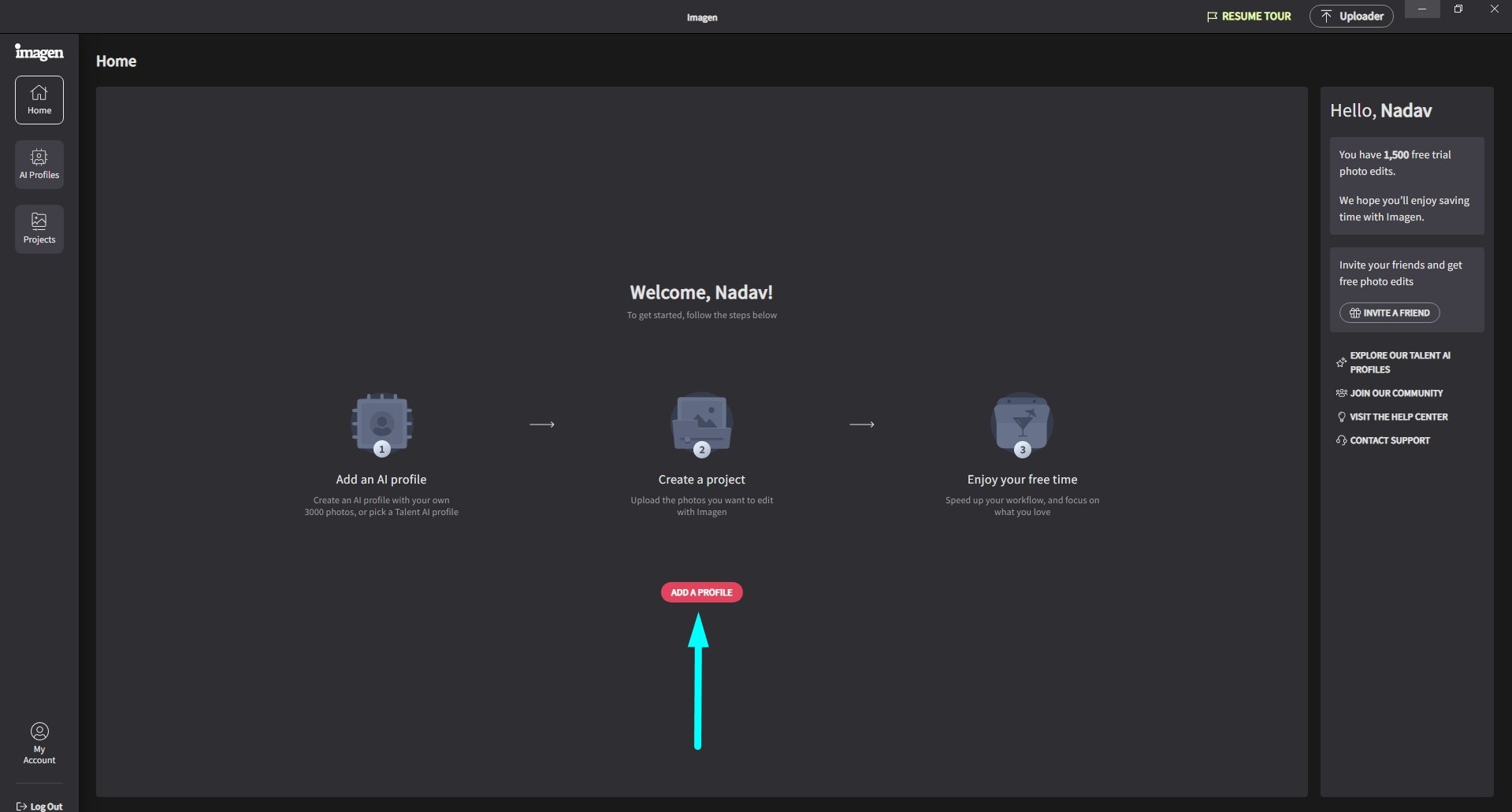
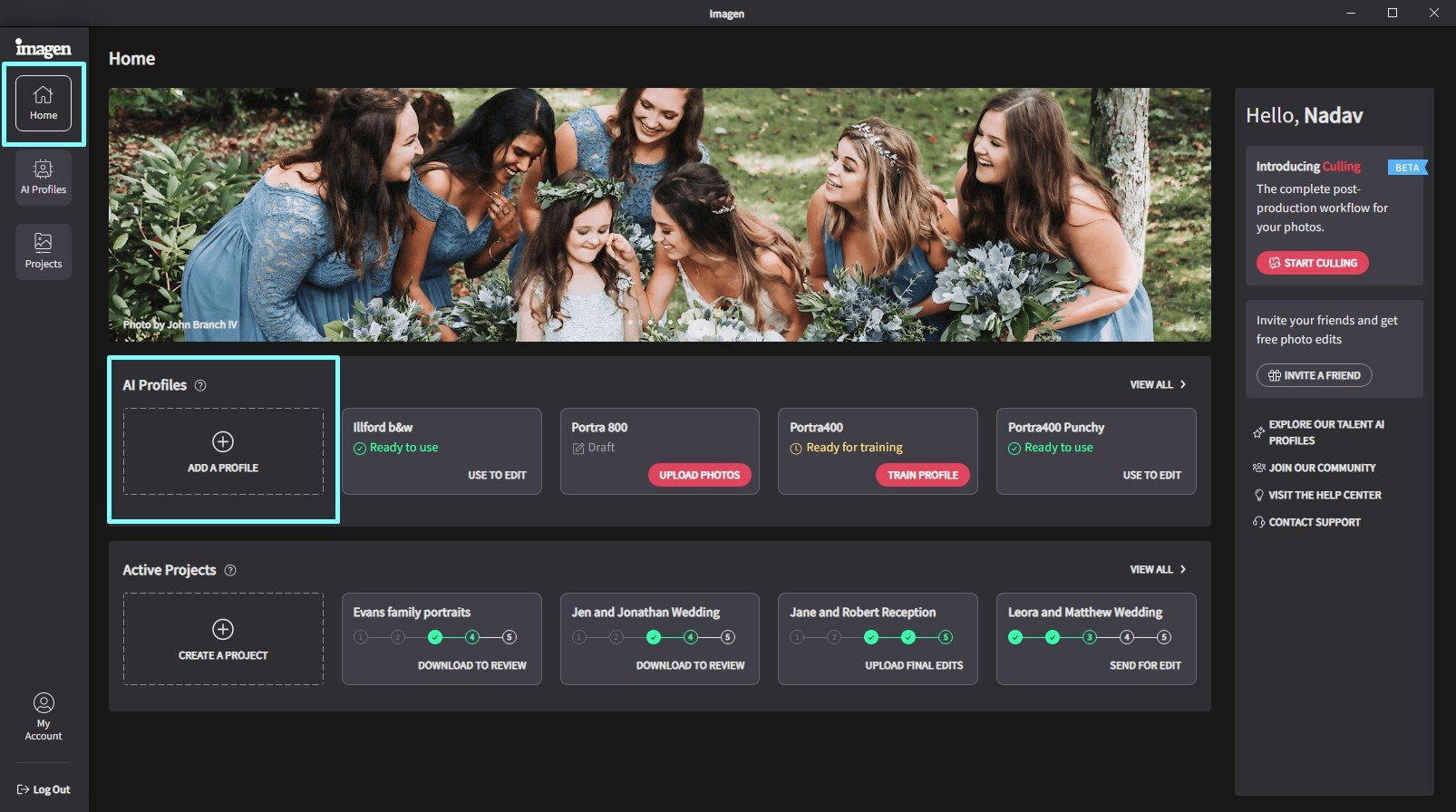
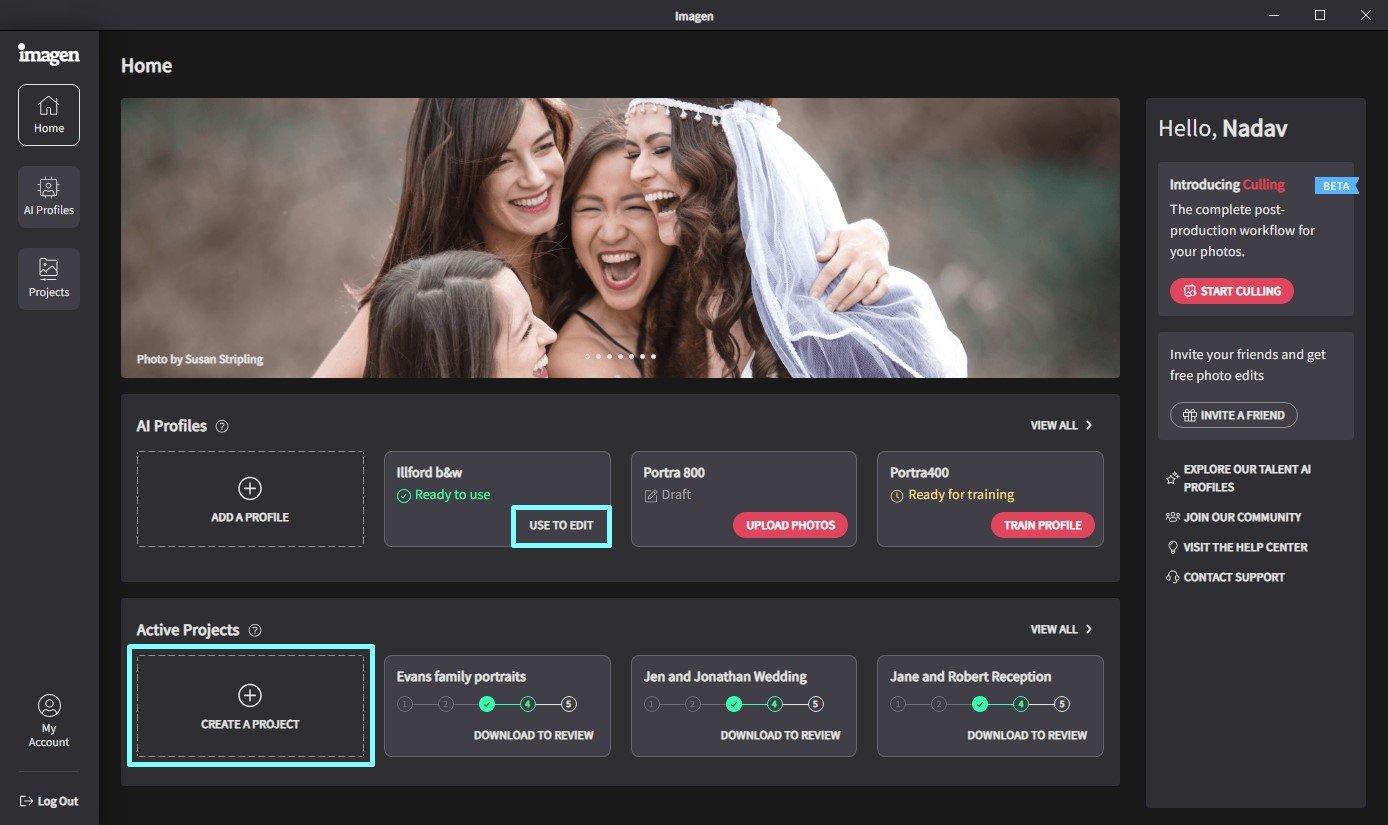
Imagen AI Review: Designed as a photo editing assistant for Adobe Lightroom Classic, Imagen targets photographers with an objective to streamline their workflow through automation. Leveraging AI technology, this tool automates repetitive tasks involved in editing; thus saving valuable time for the photographer. It helps them achieve a consistent style or experiment with different looks.
What are the features of Imagen AI?
- Custom Expertise: Imagen advances past just automating tasks by creating a tailored profile from your previous adjustments in Lightroom Classic. As you edit more, it enhances its grasp of the styles you favor. This lets Imagen suggest edits and adjustments that increasingly align with your vision.
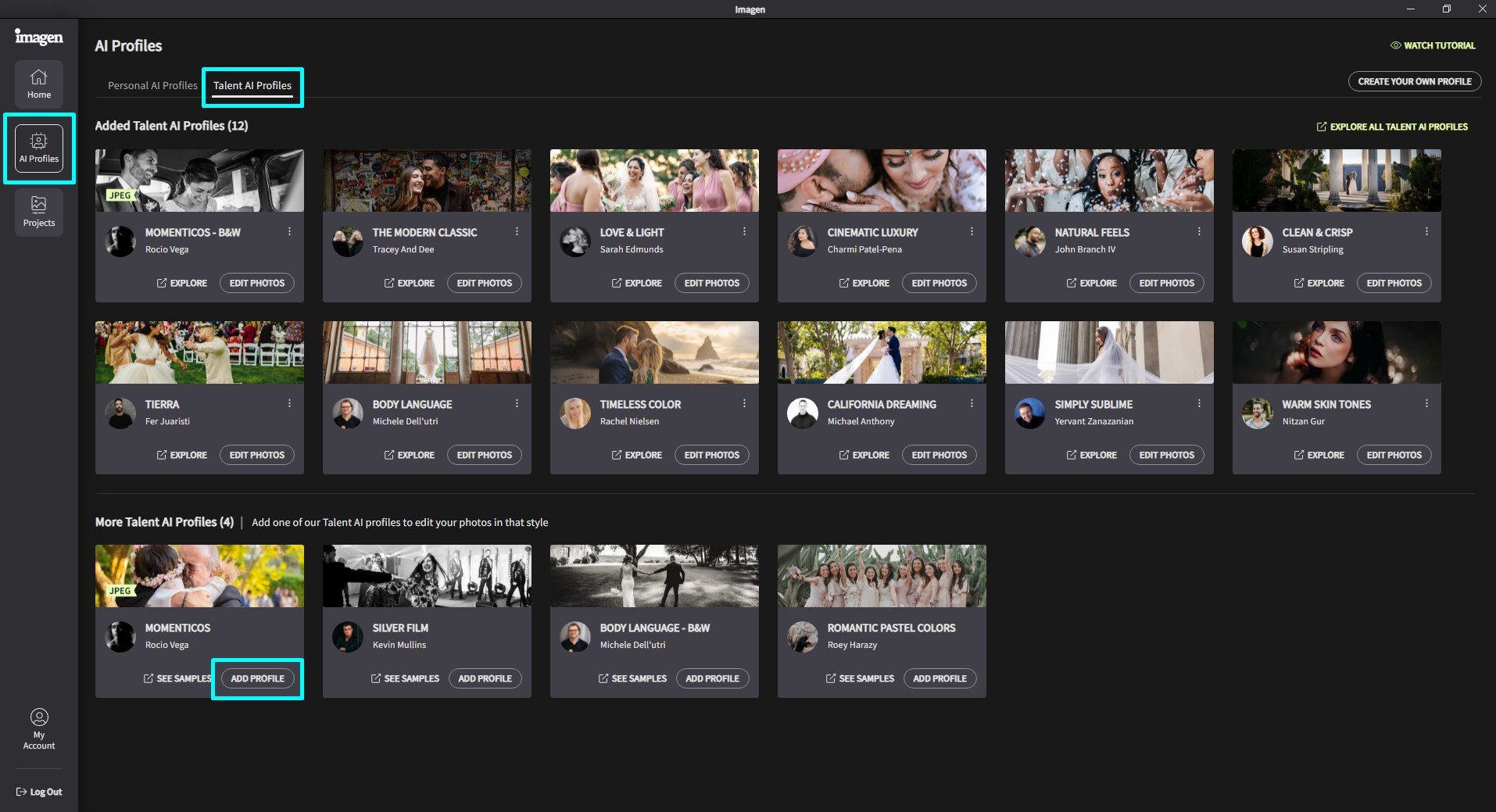
- Styles ready for you to use: If you are just starting with editing or interested in trying new artistic ways, Imagen offers help. It has a collection of “Talent AI Profiles,” which are basically preset editing styles made by expert photographers. By clicking, you make your photos look refined with a certain feeling or theme when you use these profiles.
- The workflow with Imagen integrates smoothly because it works right inside the Lightroom Classic interface you are used to. You don’t have to change between different programs or understand how to use new software. When you bring in pictures, Imagen looks at them straight away and gives ideas for changes that match your profile or the preset you picked. This smooth process lets you go over and improve what Imagen recommends without it getting in the way of how you edit photos.
- Control of Creativity in Each Stage: Although Imagen provides automatic features to help save your time, it does not remove your power over creativity. You have the freedom to agree with, make changes to, or entirely change what Imagen proposes. You have the power to use AI for better productivity and still keep your creative idea for the end picture.
What’s the pricing of Imagen AI?
- Pay-as-you-go: USD 0.05 per photo
Enjoy flexibility with a minimum $7/month added to your editing credits. $0.01 for additional AI features.
Plan includes:
No commitment
Unlimited Culling
Unlimited Personal AI Profiles
Access All Talent AI Profiles
24/7 Support
Cloud Storage 100GB free for 3 months
- Annual plans: USD 67.5 per month
Enjoy a yearly discounted price per photo and save up to 20%. $0.01 for additional AI features.
Plan includes:
Discounted price per photo
Unlimited Culling
Unlimited Personal AI Profiles
Access All Talent AI profiles
24/7 Support
Cloud Storage 100GB free for 3 months
- Enterprise: Custom plan – 100k+ photos / year
A tailored, high-volume plan
Everything in Annual, plus:
Custom adaptations
Dedicated account manager
Personalized plan
Videos: Imagen AI


Photos: Imagen AI
User Reviews
Only logged in customers who have purchased this product may leave a review.



There are no reviews yet.